


alchemy
catalyst
Advanced Translation Memory
catalyst
Advanced Translation Memory
Software Localization: all technologies... One Solution!
Alchemy CATALYST is the visual localization environment that supports every aspect of the localization workflow.
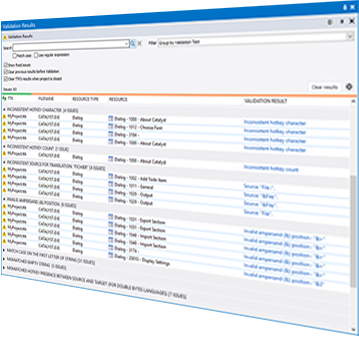
Validation Results
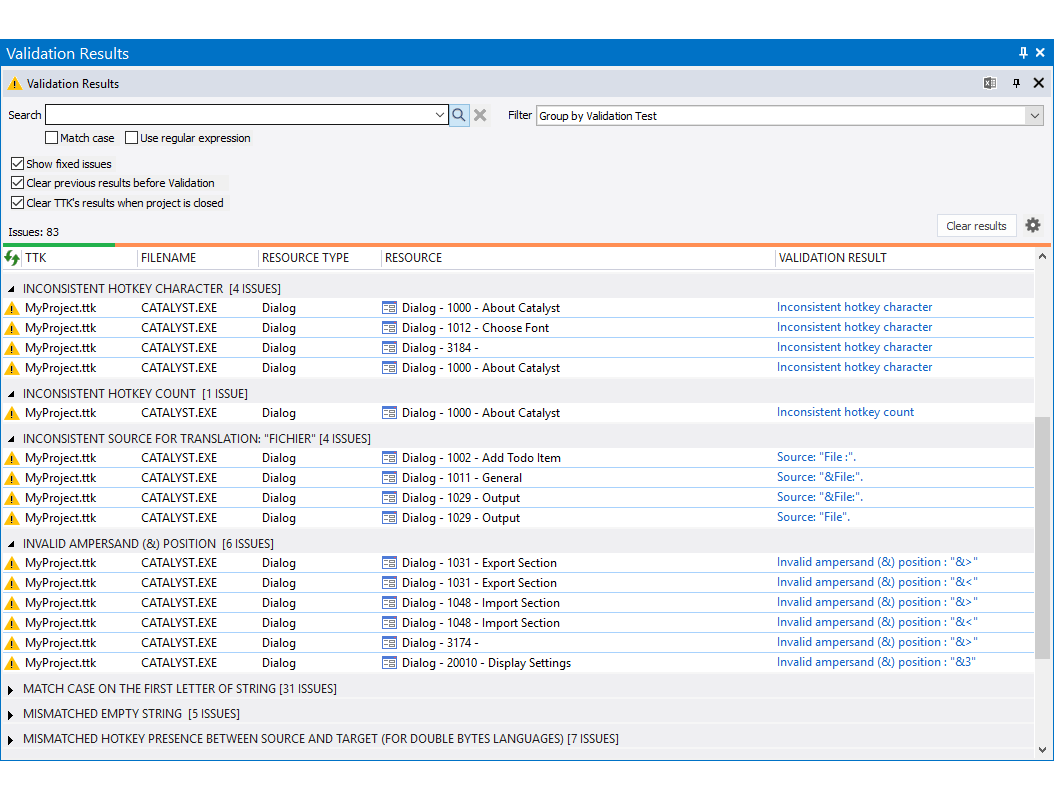
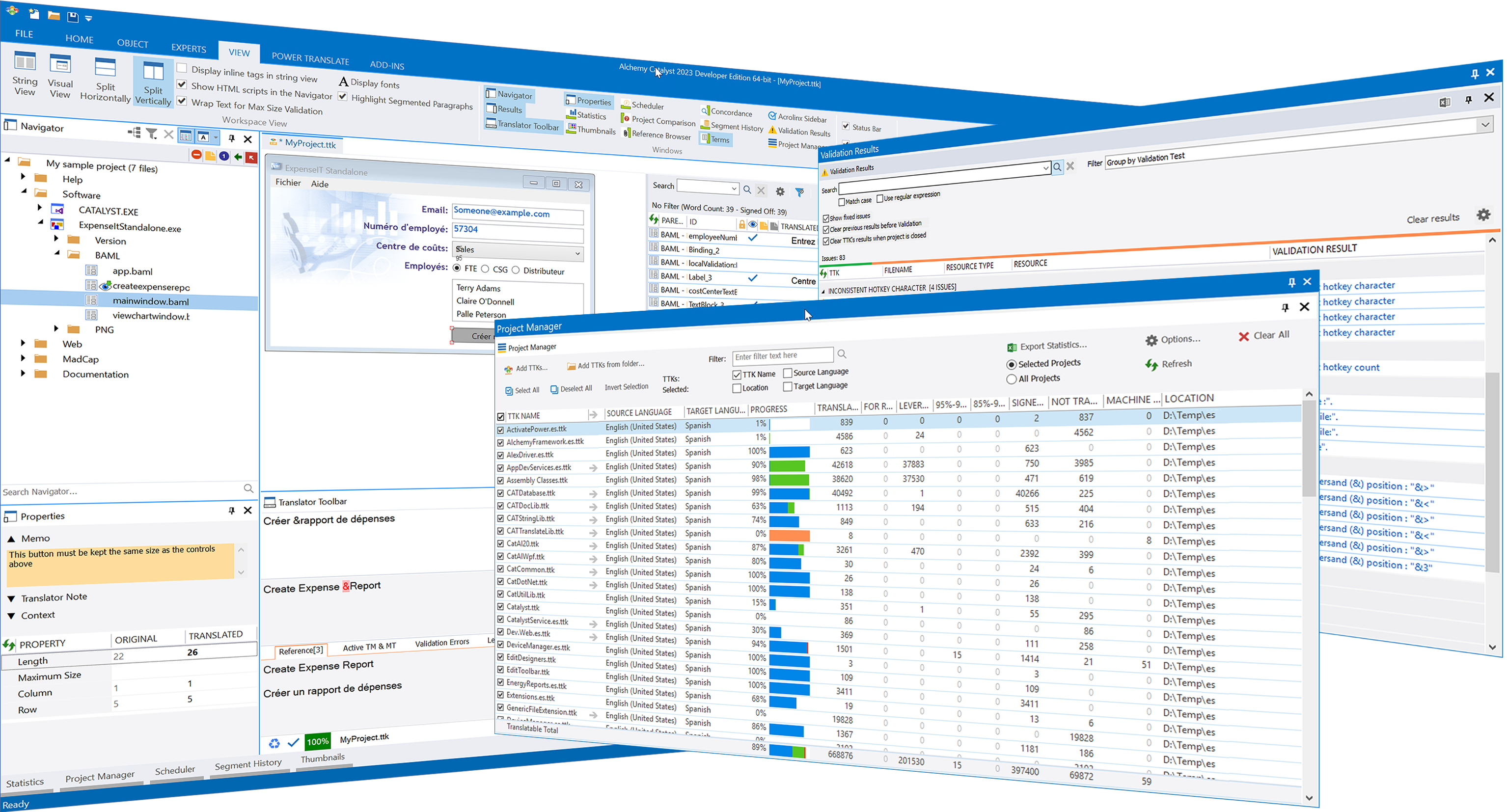
The Validation Results pane is where the all Validation issues are presented in a flexible list, grouped by validation types, and searchable.
CATALYST comes with tens of built-in checks (inconsistent inline tags, inconsisten translations, text truncations, removal or addition of software variable and placeholders, spell-checking, etc.) but custom validation tests can be created by the user.
Project Manager
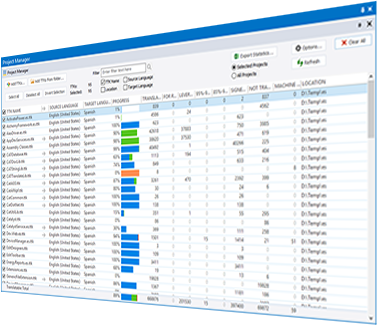
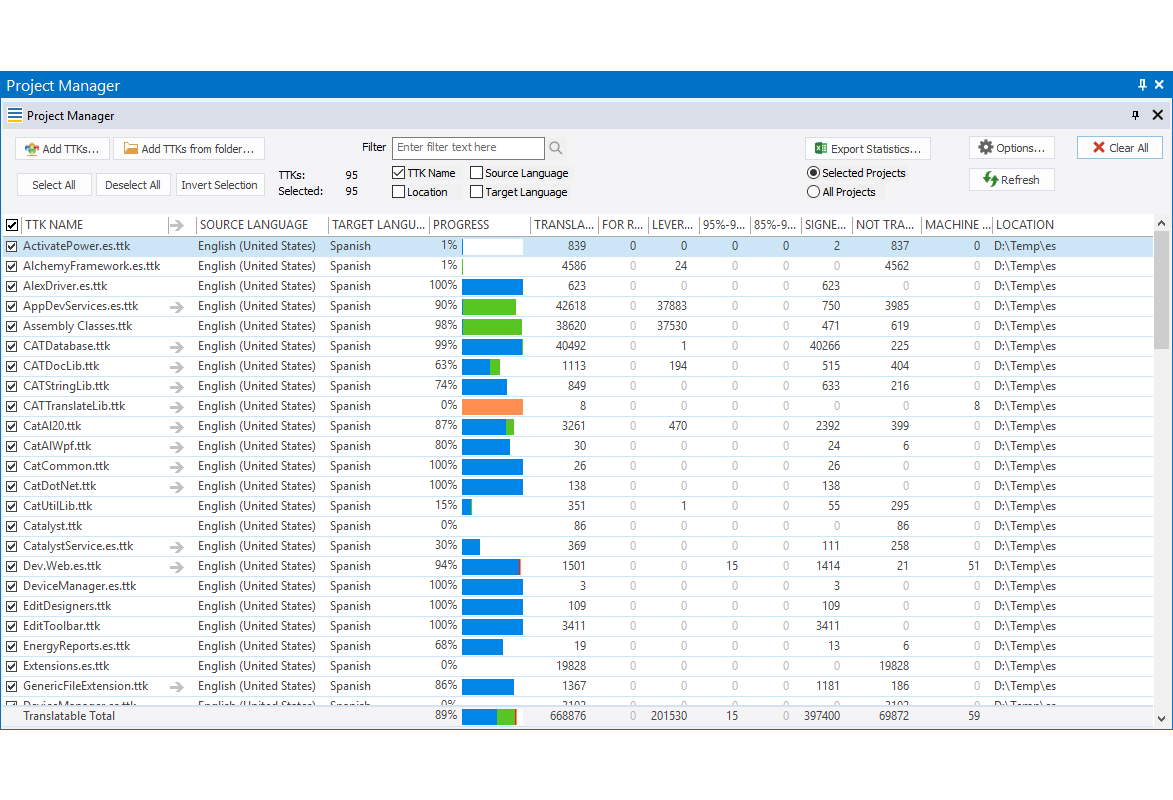
The Project Manager allows you to view the word count and statistics for many .TTK projects at once, without opening the files.
It is a handy tool for those users who regularly work with several .TTK files and who need to keep track of the work progress quickly and reliably.
Translator Toolbar
The Translator Toolbar is where quality human translations are crafted.
Linguists have a great arsenal of tools at their disposal to ensure the best possible translations every time.
By attaching live TMs linguists are notified of previous translations, exact or fuzzy. Where no translation exists, and if permitted by the project manager, machine translation engines can be invoked to provide additional suggestions.
Glossary terms, spellchecking, max length restrictions and validation errors are all visually displayed as you type.
String List
The String List View displays source and target segments in list form designed for high efficiency.
Initially untranslated segments receive the For Review symbol when edited and the Signed Off symbol once approved, facilitating an effective and secure two-step approach to localization.
An extensive set of filters, Quickfind tools and customizations makes your localization job a breeze.
Visual View
The Visual View shows content as it would appear at runtime with full context.
When handling Win32 or .NET binary files and resources, the Visual View becomes a visual editor allowing visual adjustments needed during the localization process.
Properties
The Properties pane is where meta data is shown for each segment.
This include Memos and Translator Notes, context images, maximum length restrictions, controls coordinates and any editable property in binary files.
Navigator
The CATALYST user interface is designed with productivity and ease of use as core goals.
Browse the navigator on the left to locate parts of the translation project and select to view the content in the workspace area
Filters in the Navigator can help to pinpoint segments that match certain criteria.
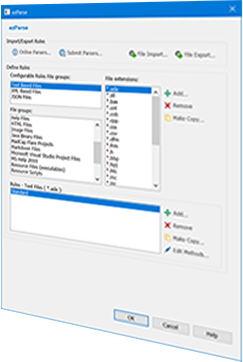
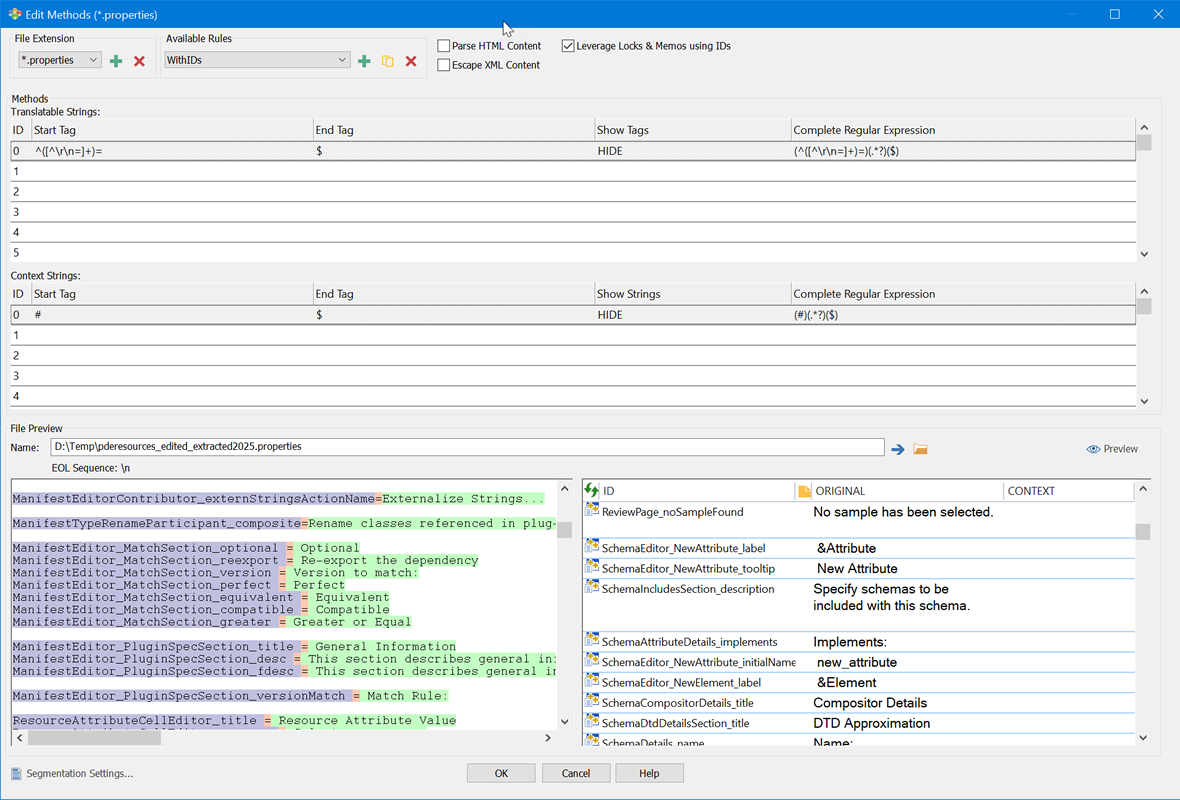
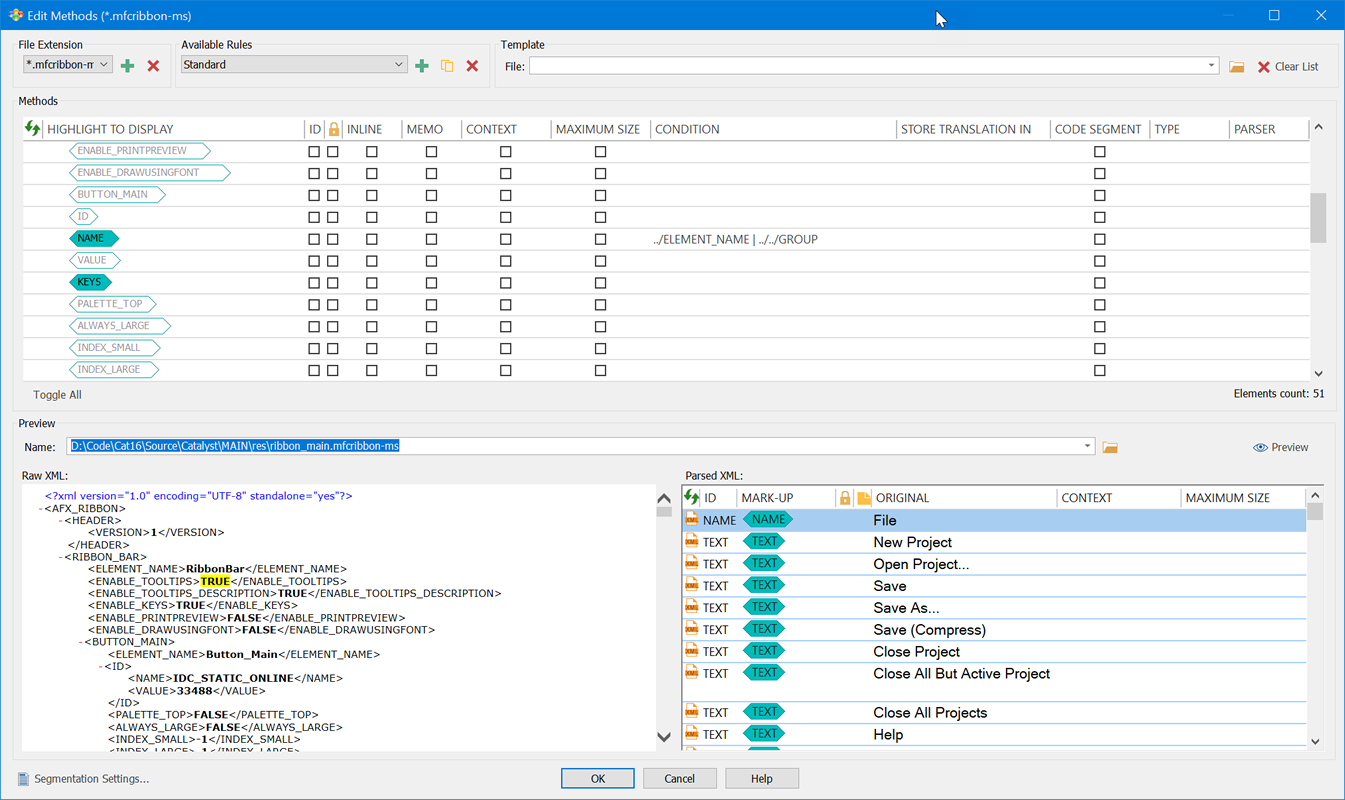
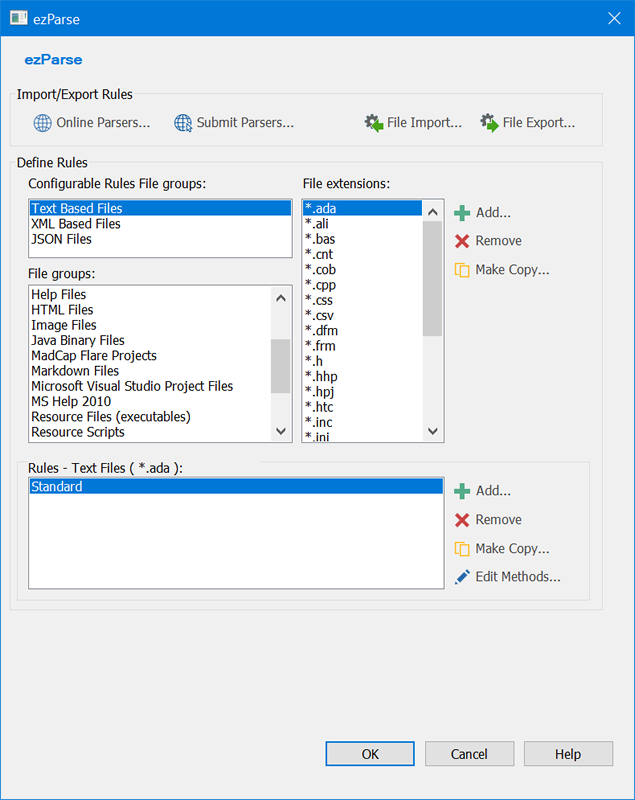
Alchemy CATALYST does the heavy lifting: it understands all your software formats and knows where to find the words to be translated.
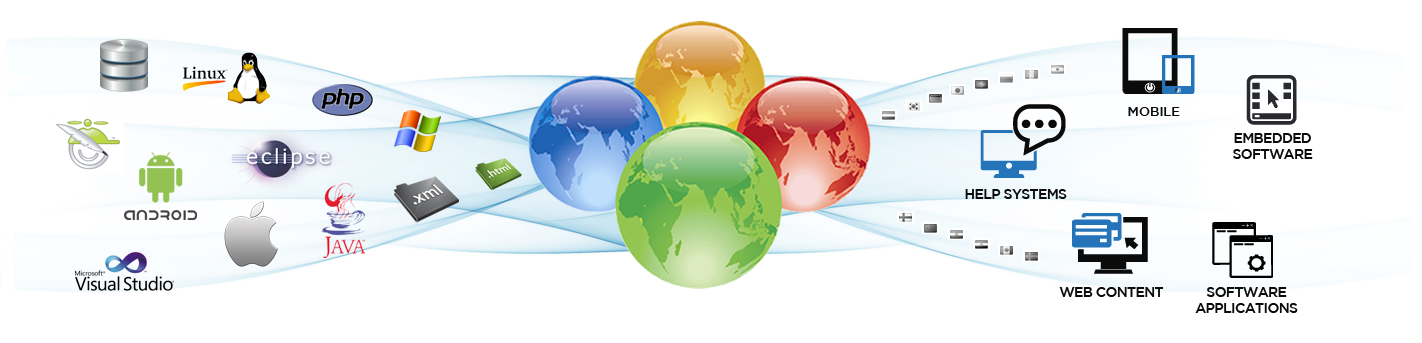
Though the underlying content can be complex, the user is shielded from that complexity.
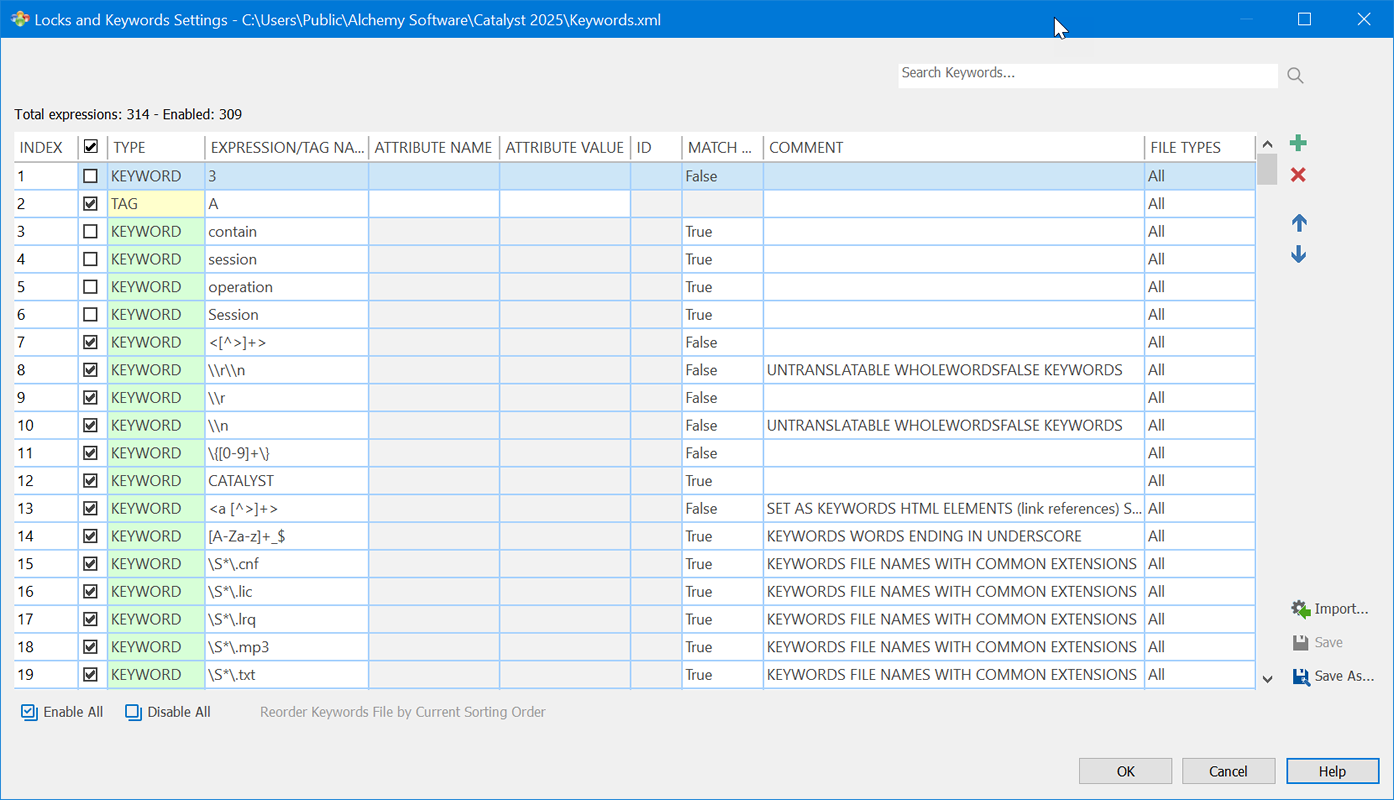
It's CATALYST's job to identify the text for translation, while hiding away and protecting intellectual property or code sections that should not be touched.