|
|
|
Getting a Translator/Lite license file |
|
|
|
|
Getting a Translator/Lite license file |
|
ReasonHow to get an Alchemy Catalyst Translator/Lite license for version 2019 to 2025
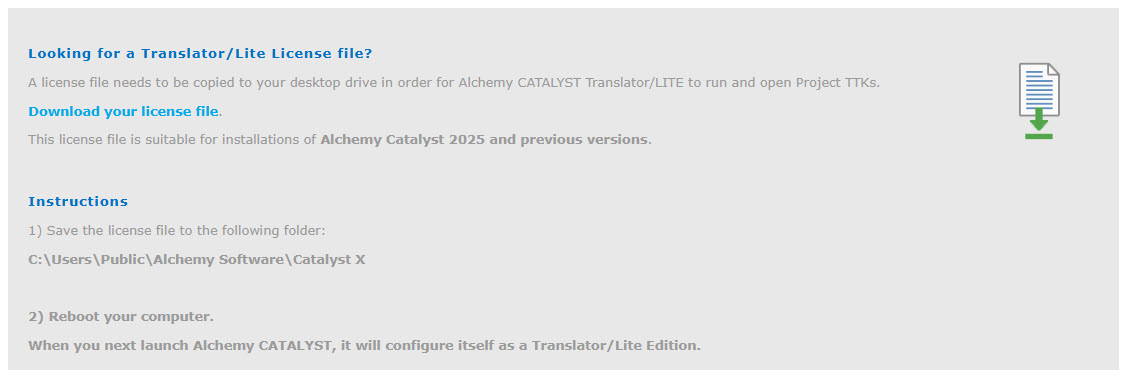
SolutionGo to the Alchemy Software Development website, Translator/Lite page: https://www.alchemysoftware.com/downloads/translite/ In the below "Translator/Lite License" section, click the Download your license file link
This will prompt your browser to download the TranslatorLite.lic free license file. Save this TranslatorLite.lic file into the CATALYST public folder: C:\Users\Public\Alchemy Software\Catalyst x.x Restart your computer When you next launch Alchemy CATALYST, it will start as a Translator/Lite Edition.
NotesThere should not be more than one .lic file in the CATALYST public folder. The license file is permanent, it does not expire.
Products or Versions Affected
|
|
|
 |
 |
|
|